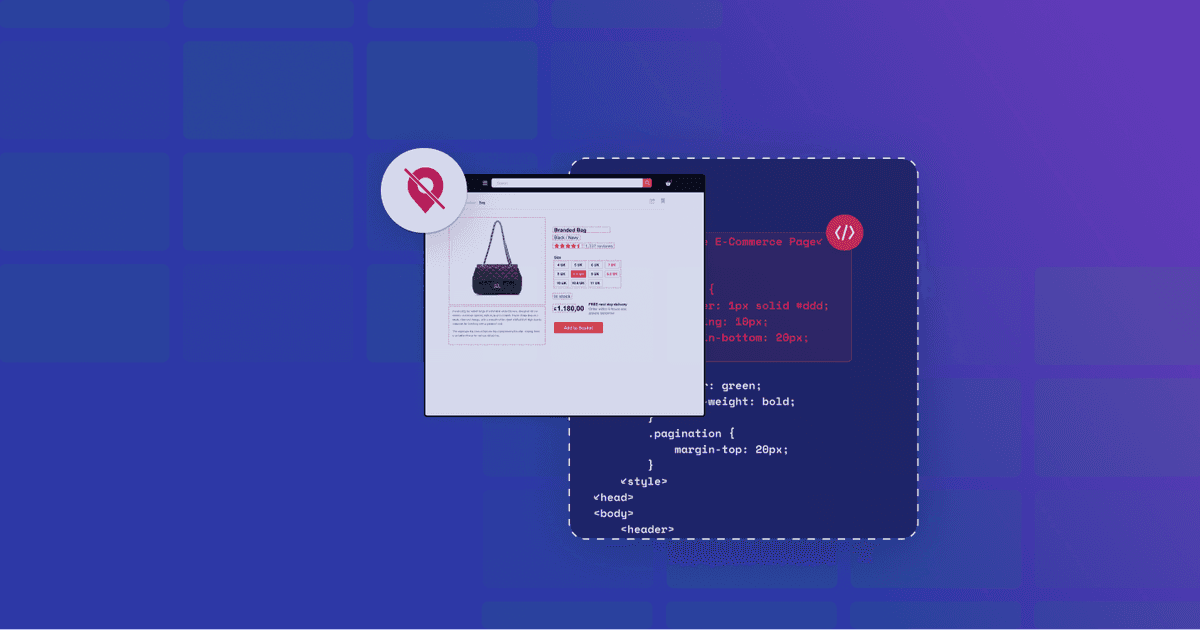
Extract localized data with Zyte API’s extended geolocation
Our Zyte Data client is a global distributor who uses web data to make informed decisions and surface profitable insights around:
understanding a competitor’s products: their strengths and weaknesses, and market positions,
monitoring a competitor’s pricing: monitoring pricing changes, discount and promotions, and
identifying product trends: gathering research about trends within the market.
They need public web data to be accurate, consistent, comprehensive, and most importantly, market and sector-specific.
For our client we gather
product data related from client supplied keywords,
product data related from client-supplied product identification numbers,
product review data from client supplied product identification numbers, and
best seller product data.
They need this data from different locations delivered daily. High quality web data, like our client’s specifications, can be tricky and expensive to extract from localized websites. In this post, we’ll share how we managed to extract localized content with precision using Zyte API’s geolocation and extended geolocation features.
Limitations of the old web scraping stack
When the issues started, our web scraping stack was Smart Proxy Manager, Scrapy, Scrapy Cloud, and a static pool of IP addresses specific to the target website. Our crawler setup was complex as we needed to chain spiders together where outputs became inputs downstream.
The client supplied product identification numbers as the initial inputs. The crawling and extraction flow is
Spider job 1 searches for the product data related to the customer-supplied product identification number, then extracts the data and stores it in a database.
Spider job 2 begins crawling, extracting and storing the best-seller product data.
Remove duplicates and merge the product and best-sellers data into the final data set.
Deliver the data in a single file to AWS.
Between steps 1 and 2, we have intermediary spider jobs that perform caching tasks for later use (for example, searches by standardized industry identification number and getting the product page). The caching spiders lowered costs and saved us from making the same requests. The other spiders make separate requests to gather product data that isn't available on the product page from the client-supplied list.
The chained spider setup plus the management of website bans resulted in extra work. Some of the spiders were self-restarting but some weren’t. It took added time to solve the banning issues and restart the spiders flowing in the right order again.
The issues with localized data and website data extraction
There’s more than the domain extension changing with localized data websites. They often:
use different text encoding,
have different website layouts,
enable IP blocking, and
use different formats (date and time, currency, units of measurement, etc.).
IP blocking and website bans are the major maintenance issues to solve when extracting public web data from localized websites. Too many requests from the same IP address can be rate-limited or temporarily blocked, disrupting data feeds. Proxy costs that vary depending on the complexity of the anti-bot measures deployed can also increase.
Ensuring uninterrupted access to the localized websites was vital to our client. We built their web scraping stack to ensure the website recognizes the spider’s location. The client’s reporting depends on ensuring that correct, location-specific product data, like pricing and delivery, is extracted. Incorrect numbers can impact price intelligence efforts affecting sales or projections, or lead to flawed analysis of trends and market position.
The static IP pool is going up in flames!
With our old web scraping stack, the daily feeds delivering our client’s critical localized web data were increasingly failing. There were many localized instances of the website. It was a cat-and-mouse game of fix and block with the added bonus of burning through the available IP addresses within the pool. We were burning through proxy money and hitting an anti-bot wall. A permanent fix was needed to keep the data flowing and costs down.
A leaner stack with Zyte API and geolocation
Migrating our client to Zyte API was a no-brainer for the team.
Its ban handling capabilities are superior to the old stack. Handling website bans manually at the spider level was time-consuming and pushed the abilities of our experts. Zyte API handled the website bans for us automatically, saving maintenance hours.
We were able to replicate the location targeting with static IPs using Zyte API’s extended geolocation feature. The feature supports configuring specific locations for each spider and accessing the same website from different locations to get localized content. Enabling the specific locations was as simple as adding the geolocation parameter to your Scrapy spider:
python
1import json
2
3from scrapy import Request, Spider
4
5
6class IPAPIComSpider(Spider):
7    name = "ip_api_com"
8
9    def start_requests(self):
10        yield Request(
11            "http://ip-api.com/json",
12            meta={
13                "zyte_api_automap": {
14                    "geolocation": "AU",
15                },
16            },
17        )
18
19    def parse(self, response):
20        response_data = json.loads(response.body)
21 country_code = response_data["countryCode"]Migrating the client from Smart Proxy Manager and a static IP pool to Zyte API helped the Zyte Data team continue to deliver high-quality web data extracted from localized websites. This solution worked with data center IPs, keeping costs down. The superior ban handling capabilities reduced the number of retries we needed to run and maintenance hours because the jobs were finishing to completion.
Geolocalized website access can be easily tested when you sign up for a free trial of Zyte API.
FAQs
What challenges does Zyte API solve for web data extraction from localized websites?
Zyte API handles website bans, supports location-specific targeting, and simplifies data extraction from websites with varied layouts, text encoding, and formats.
How does the Zyte API's extended geolocation feature help with localized data?
It enables spiders to configure specific locations for crawling, ensuring precise, location-specific data extraction like pricing and delivery details.
What were the limitations of the old web scraping stack?
The old stack required chaining spiders, manual ban handling, and static IP pools, which were time-consuming and costly to maintain.
How does Zyte API improve the efficiency of web scraping workflows?
Zyte API automates ban handling, reduces retries, and provides data center IPs, cutting maintenance time and operational costs.
Why is accurate localized data critical for businesses?
Accurate localized data ensures reliable insights for pricing, market trends, and competitor analysis, directly impacting sales and strategic decisions.

.png&w=3840&q=75)