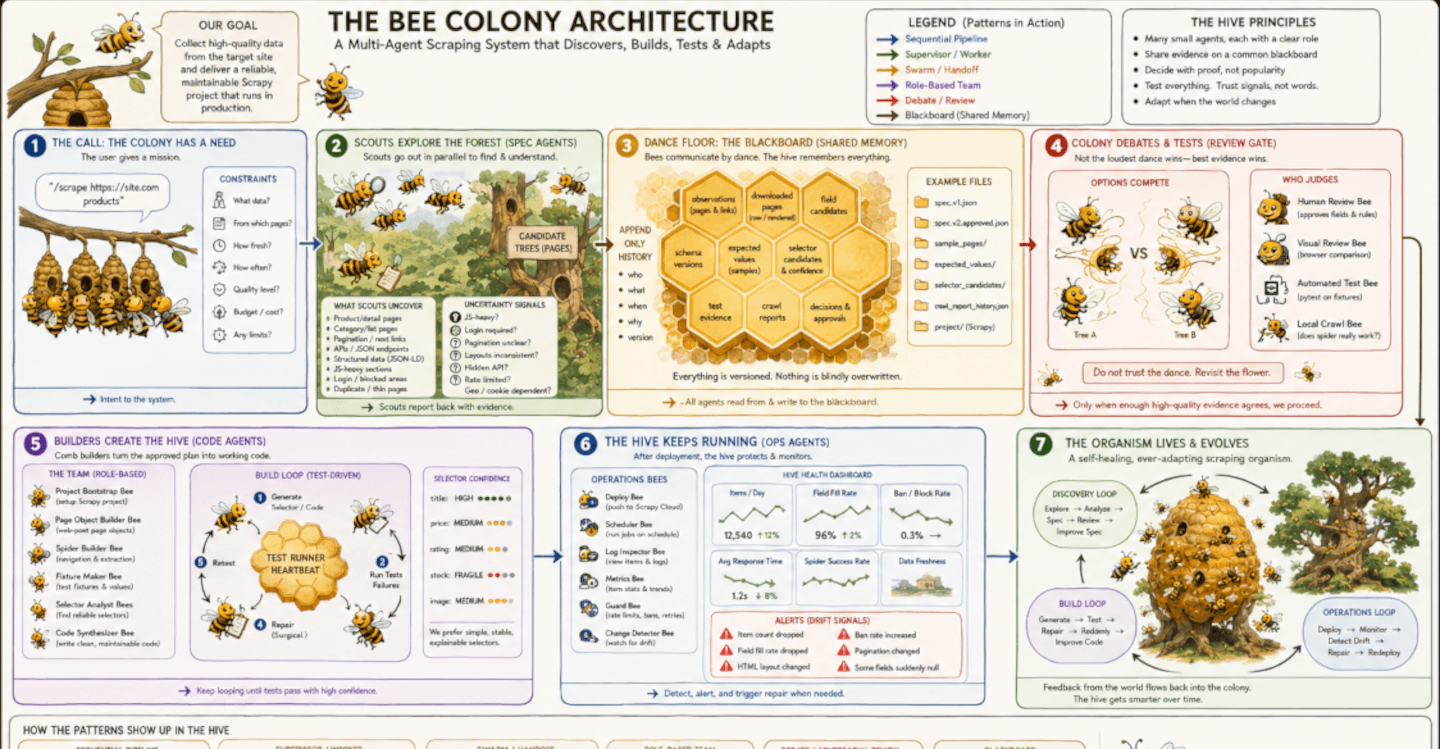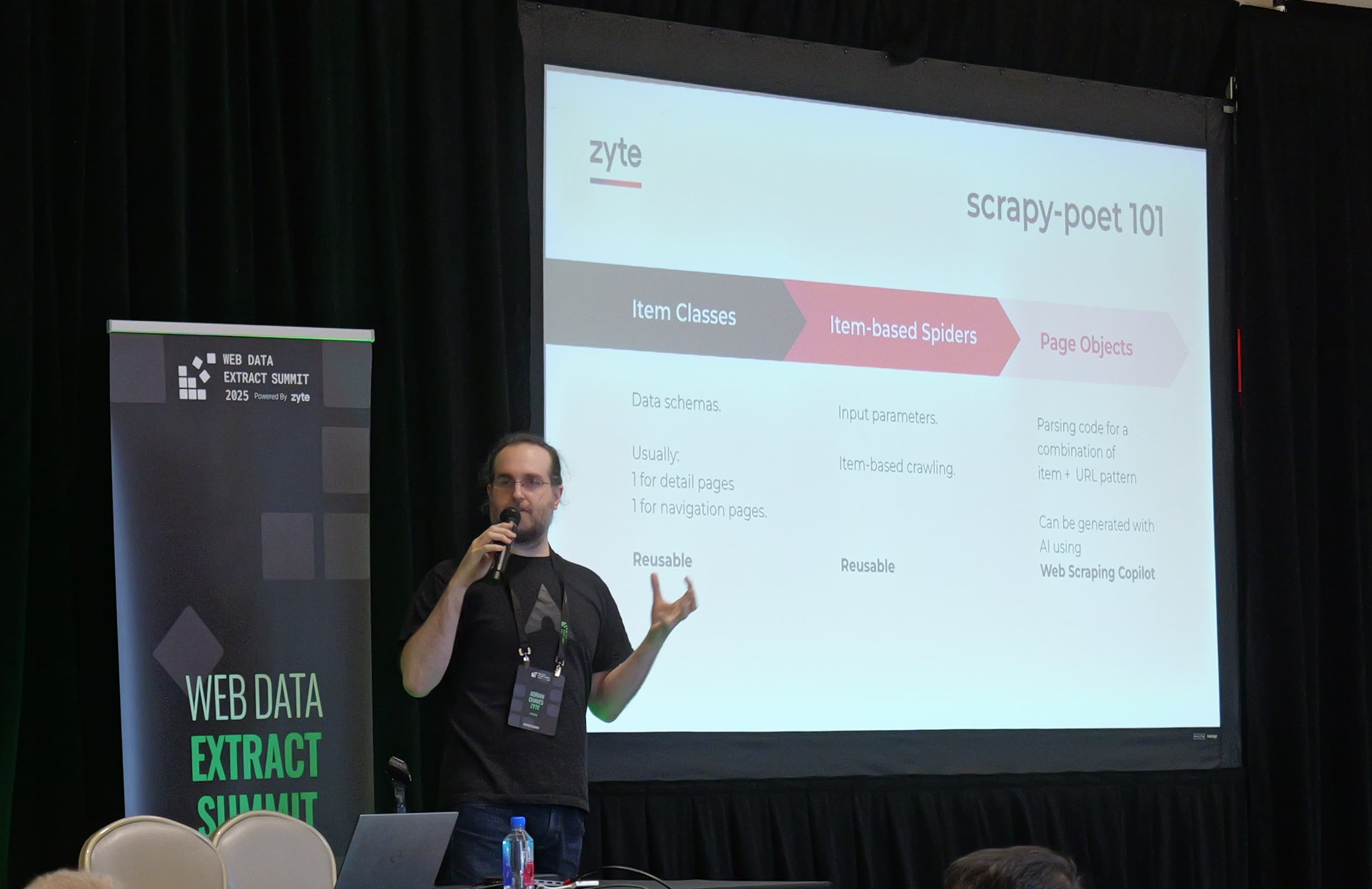
As web scraping becomes more complex, the tools we use to navigate that complexity need to become smarter.
I recently took some time to explore how Claude skills can be integrated into a web scraping workflow. My goal was to see if I could improve the process and make data extraction significantly easier for myself.
What I found was that by building a specialized set of instructions, I could transform Claude from a simple coding assistant into a powerful scraping partner, especially for getting data quickly and providing a minimum viable product of the web scraping code.
What are Claude skills?
At its core, a Claude skill is a list of instructions in a folder that the AI can call upon whenever it receives a message from you.
Whenever you send a prompt, Claude checks whether any available skill is appropriate to follow. If so, Claude pulls these instructions into its context.
In itself, the skill is nothing more than a Markdown file. However, that file can also contain code excerpts and the skill folder can contain whole code files.
This allows Claude to call on specific actions like running Python code, execute external scripts, or process data in a highly structured way that is repeatable and consistent.
Once it is called upon, the power of a skill lies in its ability to remain within the conversation context. This means you can query the output further, ask for modifications, or work with the extracted data in real-time without leaving the chat interface. It turns Claude into a specialized environment tailored for your specific technical needs.
Comparing skills to MCP servers
It is important to understand the difference between a skill and a Model Context Protocol (MCP) server. While both expand what the AI can do, they serve different purposes.
An MCP server is generally more like a piece of external tooling designed for a specific, broad task - like connecting to a database or a file system.
Skills, on the other hand, are more lightweight and flexible. They often consist of a single script or a focused set of instructions. Because they stay within the context of the AI, they are easier to iterate on. If you need a script to behave slightly differently for a specific website, you can adjust the skill or the prompt instantly. It provides a more agile way to handle the varying nature of web data.
Skills are also more specific to you and can be easily created and deleted, whereas an MCP server is designed to provide a specific purpose across many platforms and is often provided by companies for their products as integrations.
Top four scraping skills
Here are my favorite skills that I have been trying.
1. Fetcher
Automating HTML acquisition
The first step in any scraping project is getting the raw data. Traditionally, this is a manual, repetitive process. Given how many websites block requests, including directly from your large language model (LLM), you’d need to find another way.
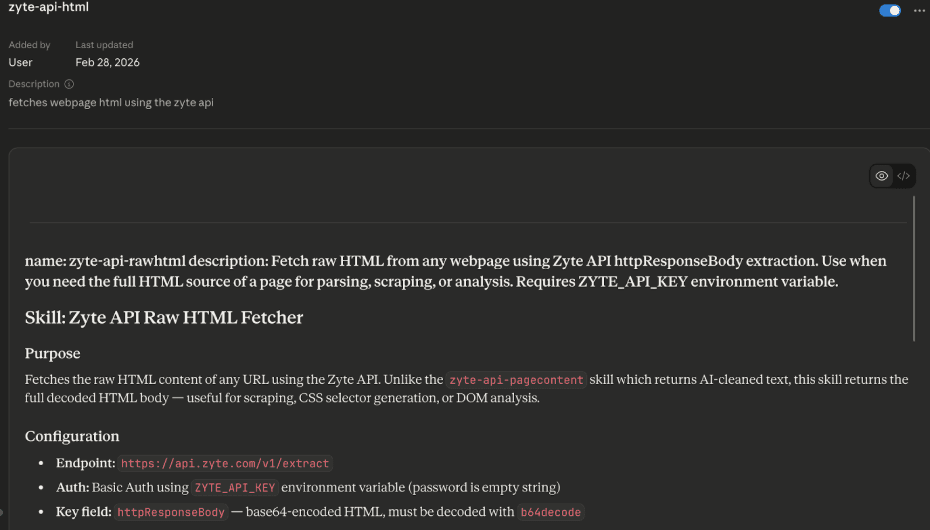
To solve this I built this skill, it uses a Python script integrated with Zyte API to fetch the HTML of any URL you provide.
Why this makes life easier
Less manual work. You no longer have to manually copy and paste code. You give Claude a link, and it handles the retrieval, right inside the chat.
Avoiding blocks. By using a professional API within the skill, you reduce the risk of your request being blocked and being banned.
Speed. You can move from identifying a target to analyzing its code in seconds. This allows for a much faster exploration phase when you are starting a new project.
2. AI Parser
Cleaning data with AI extraction
Raw HTML is often messy. It is filled with navigation menus, footer links, tracking scripts, and styling blocks that have nothing to do with the data you actually want. This extra noise is more than just a distraction - it consumes valuable tokens/context and can make it harder for an AI to focus on the relevant content.
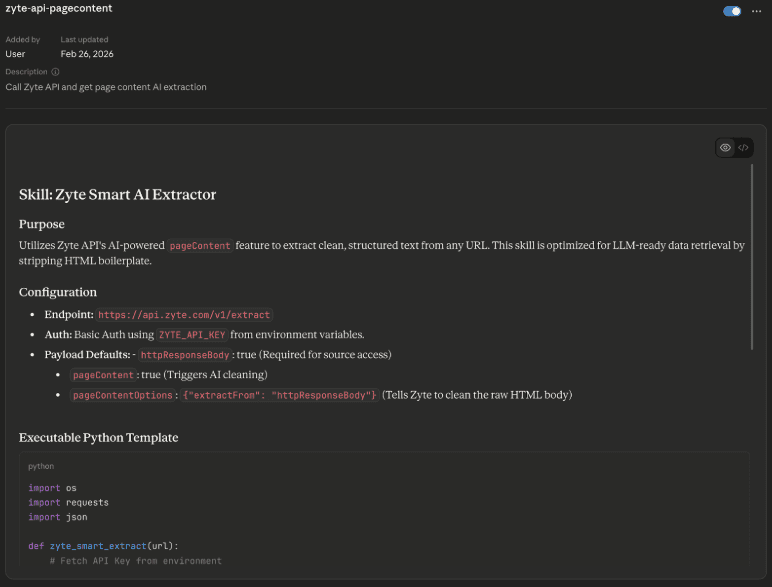
My second skill utilizes Zyte’s AI-powered automatic extraction to return only the main page content. This uses a machine learning model to strip away everything except the main header, body text, and footer. This greatly aids induction into your LLM’s context and provides more accurate results and less hallucination on answers.
How cleaning data saves time
Token efficiency. By removing the junk, you save a massive amount of space in Claude's context window. This allows you to process much longer articles or even multiple pages at once without hitting limits.
Better accuracy. LLMs perform better when they are given high-quality, relevant data. By removing the script tags and images, you ensure the AI focuses only on the information that matters.
Reduced processing time. You don't have to wait for the AI to read through thousands of lines of irrelevant CSS. The "purified" text is ready for immediate analysis.
3**.** SelectorGen
Generating resilient selectors
Once you have the HTML, you need to write selectors to tell your script exactly where the data lives. Writing these by hand is tedious and can be extremely brittle. If you pick a selector that is too specific, it may break if the site makes a tiny layout change, or even cause you to rewrite all your selectors.
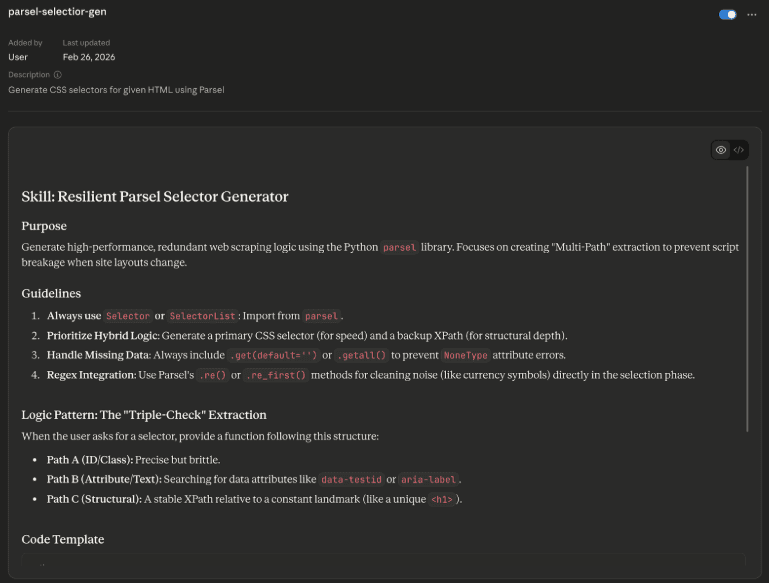
I built a selector generator skill based on the Parsel library. Parsel is the HTML parser behind Scrapy, and it is incredibly efficient at navigating HTML structures.
Why this is powerful
Multiple backups. This skill is programmed to find multiple selectors for the same data point. If your primary selector fails, you have backup options ready to go.
Consistency. It outputs code in a repeatable, standardized style. This makes it very easy to manage your codebase because every scraper you build follows the same logic.
Ease of use. You can copy a snippet of the page's HTML source from your browser and ask the skill to write the selectors for you. It removes the guesswork and the need to manually test dozens of different CSS paths.
4. Extruct HTML
Extracting hidden data
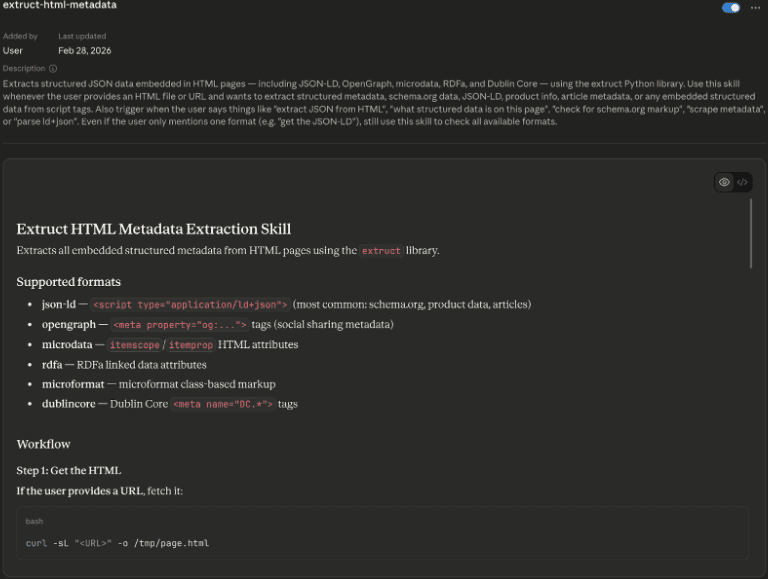
Sometimes, the data you want isn't in the visible HTML at all. Many modern websites store their information in structured formats like JSON-LD or schema metadata hidden inside script tags. This data is often much cleaner and more reliable than the visible text.
I wrote a skill using a library called Extruct to target this specific metadata. It ignores the HTML tags and goes straight for the structured data objects.
Why this is useful
Structural stability. Websites change their visual layout all the time, but they rarely change their JSON-LD structure because that is what Google uses for search rankings. This makes your scrapers much more durable.
Zero parsing logic. Instead of writing complex rules to find a price or a product name, the skill simply hands you a clean JSON object.
Precision. It eliminates the risk of accidentally scraping "related products" or "sponsored content" because those items are rarely included in the primary schema metadata.
Building a workflow by chaining skills
The real strength of these skills is that they do not have to work in isolation. You can build a repository of these tools within Claude and chain them together to create a full automated pipeline.
The chaining can work in two ways depending on how much you want to automate. The simplest approach is manual, where you prompt Claude through each step in sequence, reviewing the output before moving on. This gives you full control and is useful when you're exploring an unfamiliar site.
For a more automated flow, you can embed logic directly into the skill instructions themselves, for example, telling the hidden data skill to automatically pass its output to the selector generator if no JSON-LD is found. This creates a more hands-off pipeline that handles common decision points without you needing to intervene.
In practice, most workflows are a mix of both. The early exploration phase tends to be manual, while the more repetitive extraction steps can be automated once you know what to expect from a site.
I prefer the manual approach, so a typical workflow might look like this:
First, you get the HTML.
Next, you ask if there is any hidden JSON data.
If there is, you are done. If not, you pass that HTML to generate a set of resilient selectors.
Finally, you can have Claude write a full Python script incorporating those selectors and the original fetching logic, giving you a working Python script you can use to carry on testing, or expand on to production code.
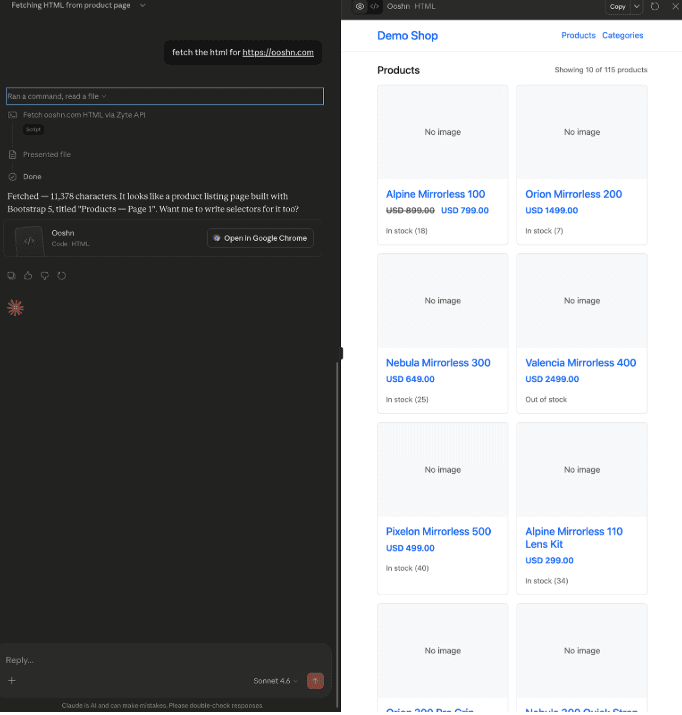
This chained approach makes the entire process repeatable. You aren't just getting a one-off answer; you are building a system that can be applied to almost any website with minimal adjustments.
Final thoughts
Web scraping will always require some level of manual oversight, but using Claude skills allows you to focus on the high-level strategy rather than the low-level grind. By automating the fetching, cleaning, and selector generation, you can be effective in your project much quicker.
These four skills have made my workflow significantly more efficient. They allow me to build scrapers that are more resilient and easier to maintain. Hopefully, you can find some benefit in these methods as you build out your own data extraction tools.