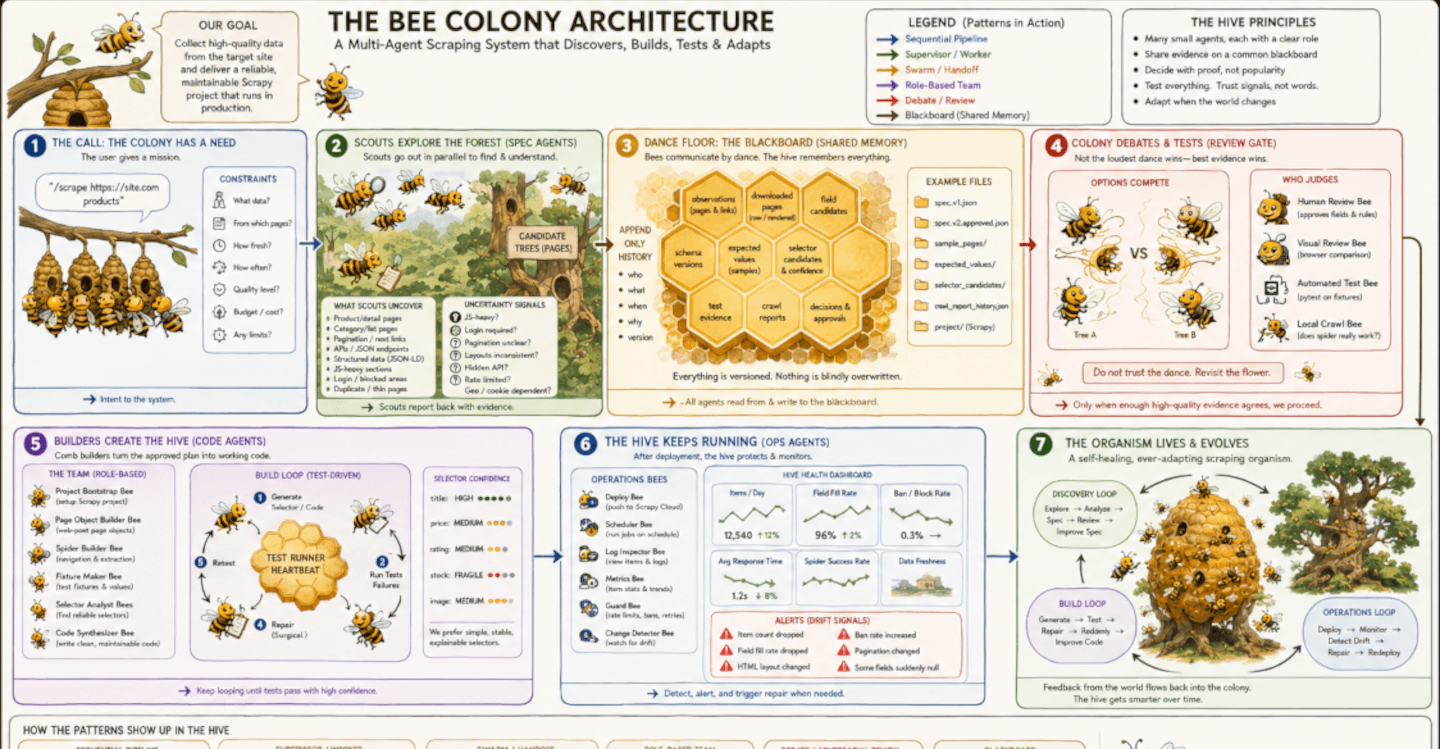
What a time for a data engineer to be alive! All of a sudden, in 2026, there is a proliferating range of new ways to integrate AI into web scraping workflows
But how do these methods actually differ, who are they for, and when should you reach for each?
Let’s explore three distinct ways to connect Zyte API to AI-powered workflows:
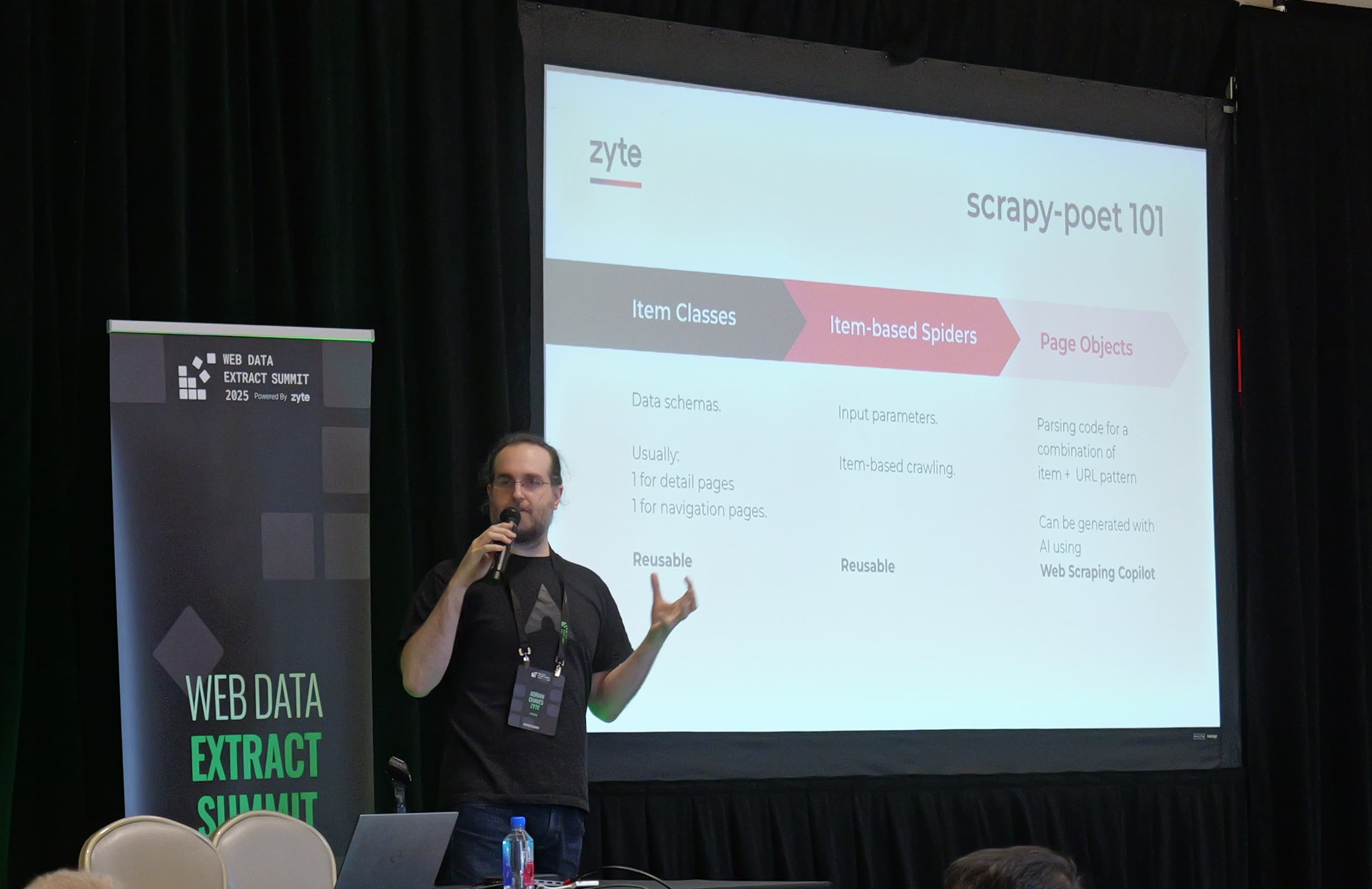
Web Scraping Copilot, Zyte’s recently-launched Visual Studio Code extension.
Custom MCP servers.
Claude skills, enhancements that let you inject scraping and data validation super-powers into a conversation.
Each one lives in a different environment, serves a different stage of development, and solves a different problem. But the underlying extraction engine is the same: Zyte API handles proxy rotation, browser rendering, bans management, and AI extraction regardless of how it is called. What changes is the surface.
Mental model: Brain, hands, manual
Here's the thing that has surprised me while building with all three: they're not competing, they're composable.
The mental model I have developed, to clarify how these technologies relate, is the one that makes everything click:
The large language model (LLM) is the brain. It reasons, plans, interprets, decides.
MCP gives the brain hands. The Model Context Protocol exposes callable functions — “fetch this HTML”, “extract this product”, “return this data”. MCP extends what the brain can do.
A Claude skill is the manual. A SKILL.md file gives the brain the domain knowledge to use those hands well — what workflow to follow, how to interpret results, what to do next. If MCP is a capability, a skill is context.
This maps to what OpenAI co-founder Andrej Karpathy and others call “context engineering” — filling the context window with exactly the right information for the next step.
Popularized by Claude and now rapidly becoming a standard for agentic guidance in its own right, a skill is a packaged, reusable unit of context engineering.
The two are complementary: MCP gives clients like Claude the ability to reach the web, a skill tells them what to do once they get there.
Each skill is a modular unit of domain knowledge, but you can also chain skills. One skill validates extraction, another diffs the output against your expected schema, a third scaffolds a Scrapy spider from the validated result. That composability is the real unlock.
But I'm getting ahead of myself. First, let's look at each tool.
1. Web Scraping Copilot: Production spiders, AI-accelerated
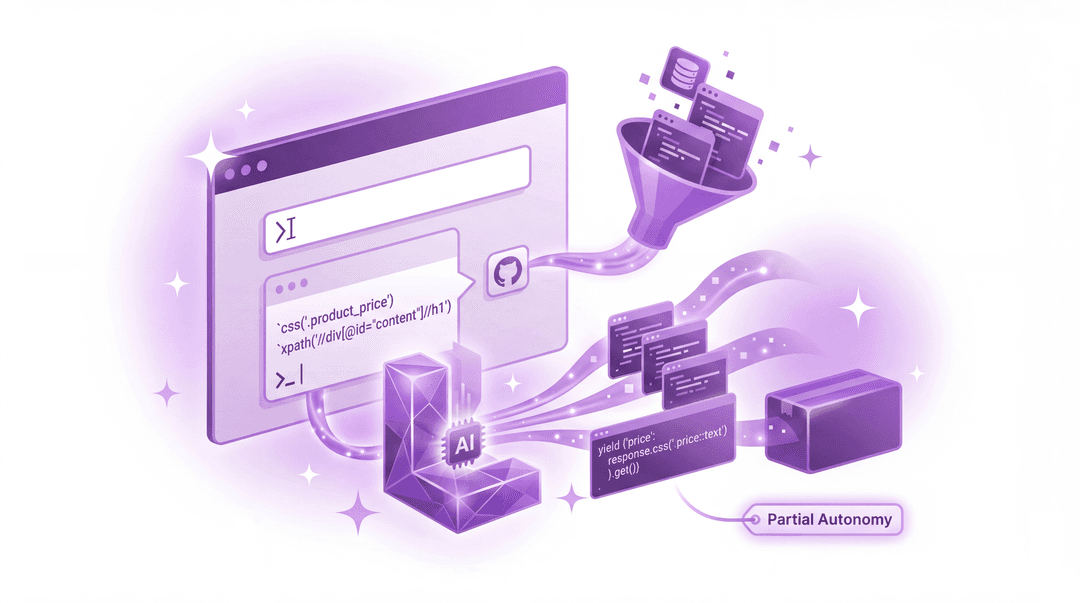
Web Scraping Copilot is a free, AI-powered VS Code extension built for Scrapy developers. It ships with a bundled MCP server that gives GitHub Copilot Chat access to specialist scraping tools, like generating production-grade spiders with page objects, test fixtures, and Scrapy Cloud deployment.
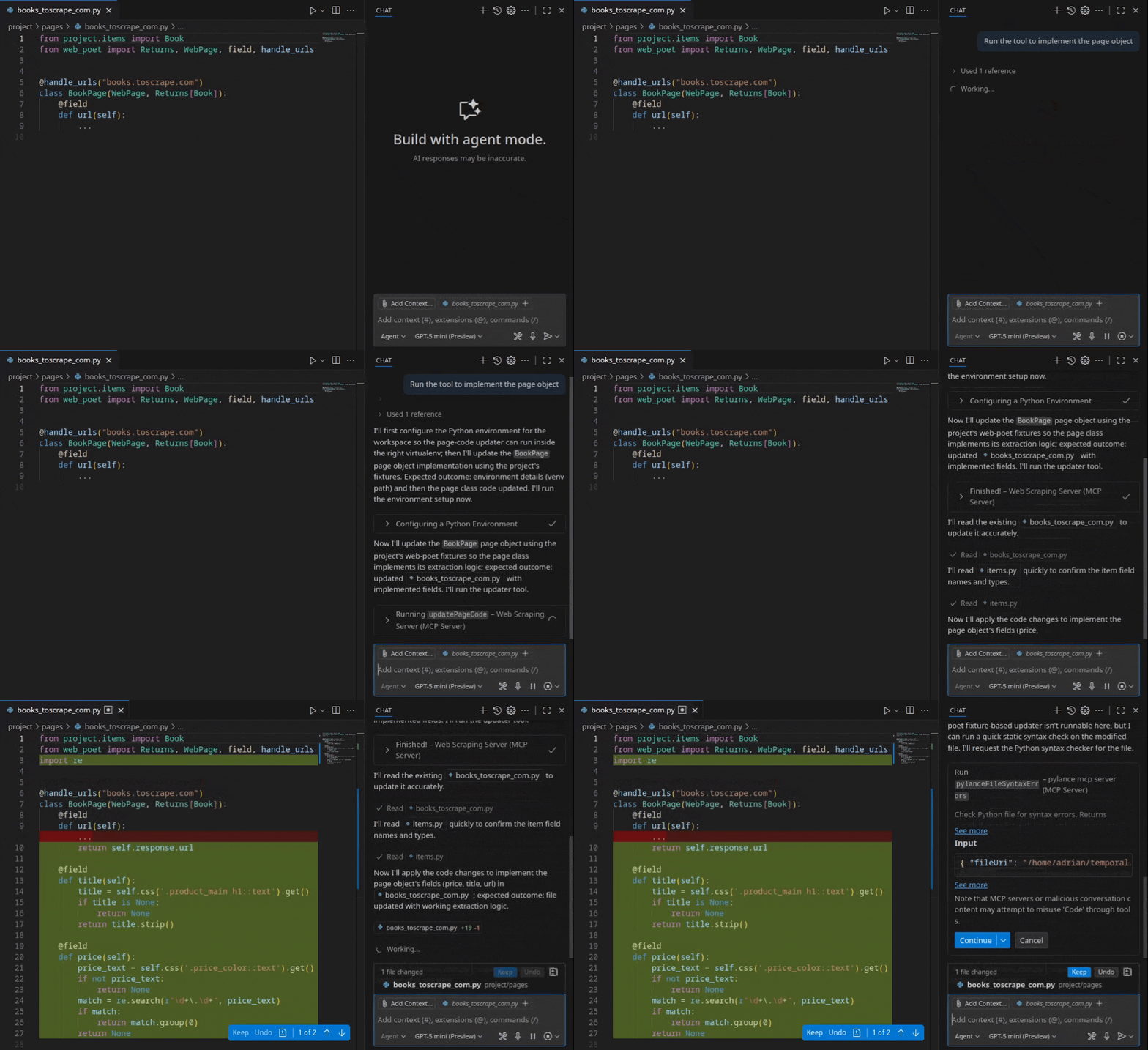
The key innovation is what happens before the LLM sees the page. Rather than feeding hundreds of thousands of tokens of raw HTML into a model, Web Scraping Copilot simplifies source HTML down to only the relevant document nodes, so token costs stay low while extraction accuracy stays high.
As Zyte’s chief product officer, Iain Lennon, described previously, the philosophy is “partial autonomy”: AI accelerates development, but you own the code, the tests, and the deployment – no LLM at runtime, no recurring inference costs.
When to use it: you need production spiders with deterministic quality, testability and Scrapy Cloud deployment.
Get started: VS Code Marketplace → | Docs →
2. Custom MCP servers: Zyte ‘hands’ for AI clients

Model Context Protocol (MCP) lets AI applications discover and call external tools.
You can spin up a custom MCP server that wraps around Zyte API, giving your application all the API’s scraping super-powers and making HTML extraction and data retrieval available to any MCP-compatible client, such as Claude Desktop or VS Code.
We recently demonstrated this using FastMCP, creating a simple extract_html tool that calls Zyte API's /extract endpoint with httpResponseBody enabled.
Once configured, the AI autonomously decides when it needs web data, invokes the tool, and proceeds, managing sites that block automated requests, because Zyte's infrastructure handles the entire access process.
This power is autonomous tool-use:
You say: “Extract the product schema from this page and generate parsing code using Zyte.”
The AI figures out it needs HTML, fetches it through Zyte API, manages proxies, retries, bans, and writes the code.
MCP servers are also portable - you can build one and configure it across every client.
When to use: you want your AI coding assistant to autonomously access the web through Zyte API, especially in agentic or IDE-native workflows.
Resources: Watch the full demo | MCP Spec → | FastMCP SDK → | Agentic scraping article →
3. Claude skills with Zyte API: The manual for the brain
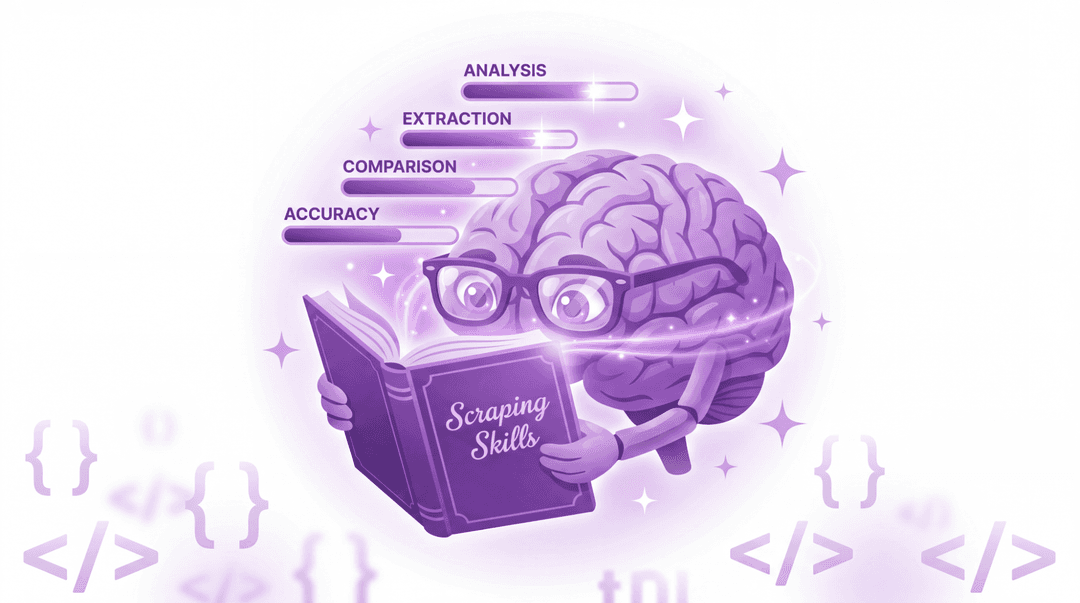
What if you could extract structured web data and immediately reason about it, compare sites, check consistency, and prototype a pipeline, all inside a conversation?
You can easily inject these skills into your project.
Scraping skills, on command
While Claude skills were conceived as plain-text instructions that gently guide agents in the execution of distinct code, more people are realizing that a SKILL.md file populated with comprehensive API-calling instructions, including code examples, can effectively arm an agent with equivalent API capabilities to an MCP setup.
In other words, skills too, can function as an API wrapper. For example, I built a Claude skill that wraps Zyte API's /v1/extract endpoint.
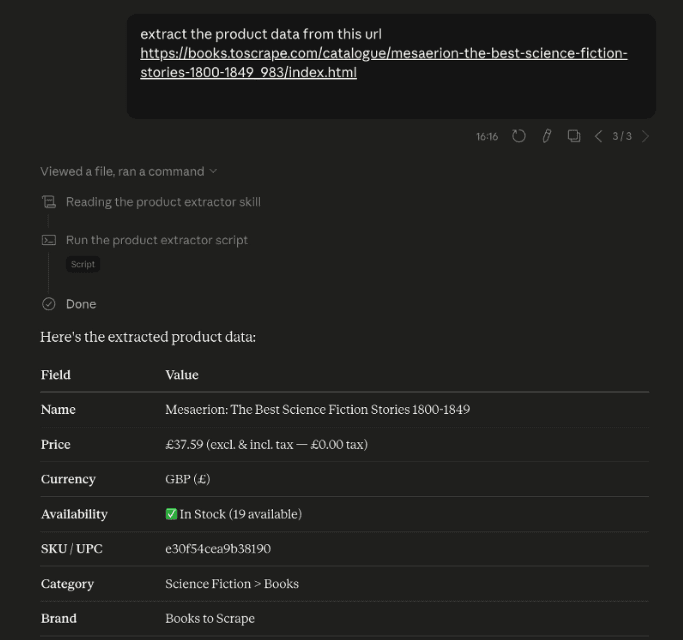
When I ask Claude to extract information from a product URL, the corresponding SKILL.md file is automatically invoked, ensuring Claude knows how to ask Zyte API to bring back the data.
You get structured JSON, including name, price, currency, availability, images, all from just inputting a natural-language instruction.
Validation and exploration
But skills don’t just empower your tools to extract. They can also mean a step-change for the gnarly task of data validation.
Claude skills give you a reasoning layer on top of your extracted data, inside a conversation where you can ask follow-up questions, chain the output into analysis, or hand the results to a non-technical teammate who never opens a terminal.
Some other use cases could include:
Data analysis: You can ask questions of your data, like: “Which of these products is priced below market average?” or “Does this site return availability status reliably?”
Extraction consistency checks: Paste five or more product URLs from the same site, ask Claude to flag any fields that came back empty or inconsistent. This is much faster than eyeballing results one-by-one.
Cross-site comparison: Extract from two or more competing sites, then ask Claude to diff the schemas. Which fields does each site return, and where are the gaps?
Pipeline prototyping: Extract product data, then, in the same conversation, ask Claude to generate a Scrapy item schema, a validation script, or a CSV export that matches your required criteria.
Stakeholder demos: A product manager or data analyst pastes a URL and gets structured JSON explained in plain language. No setup, no API key management on their end, no terminal.
The ability to fluidly interrogate and iterate on your collected data in the same space you collected it is a joy and a time-saver.
Skills assemble workflows
Each skill is a modular context package comprising Markdown instructions and even code examples. Because Claude knows when it is appropriate to call on each, it can chain them together automatically, allowing for fluid workflows, or called manually depending on your use case and input.
For example, we could build 3 skills with these independent uses:
Zyte product extractor extracts product data across five competitor URLs.
Schema comparator diffs returned fields against your expected data model.
Spider scaffolder generates a Scrapy skeleton from the validated output.
Each could be used it its own, or chained together to produce a full workflow output
You don’t need to write one massive prompt. Instead, you're composing modular context packages, each encapsulating domain knowledge, and Claude orchestrates them. This is “context engineering” in practice.
When to use it: you need extraction and reasoning in one loop — consistency checks across URLs, cross-site schema comparison, pipeline prototyping, or putting structured web data in front of someone who doesn't code.
Try it yourself: The full experiment is open-source at github.com/NehaSetia-DA/product-extractor-skill-experiment. Fork it, swap in your Zyte API key, add it to your Claude environment, and you'll be extracting product data in under two minutes.
The same pattern can adapt to articles, job listings, or search engine results pages by changing the extraction type in the API call.
If you build something with it, open an issue or share it on Discord. We want to see what you make.
How to choose your tool
Now that we have walked through the differences between these three new approaches, let’s bring it together - when should you use each, and why?
| Web Scraping Copilot | Custom MCP server | Claude skills | |
|---|---|---|---|
| Runs in | VS Code | Claude Desktop, VS Code | Claude website, Claude Desktop app, including Claude Code and Cowork |
| Setup | Install extension | Write FastMCP server, configure client | Add skills folder to Claude |
| Output | Production Scrapy spiders | Raw web data piped directly into your AI client's context | Structured, reasoned output — JSON plus conversational explanation |
| Scale | Unlimited (pipelines) | One request at a time, but reusable across any MCP-compatible client | One session at a time, but skills are portable and composable |
| Role in the frame | Development environment | Gives the AI the ability to autonomously reach out and fetch live web data | Gives the AI the domain knowledge to use those hands correctly and chain workflows |
| Best for | Production pipelines | Agentic workflows where you want the AI to decide when and how to fetch data without being prompted | Validating extraction across multiple URLs, comparing schemas, prototyping pipelines, or sharing results with non-technical teammates |
Let’s make the selection real by providing answers to some real-world scenarios you may be facing:
“Validate extraction on a new site before building a spider:” Start in the Zyte API Playground for a single URL. Move to Claude skills when you need to test multiple URLs, compare sites, or reason about the output.
“Add 50 websites to our monitoring pipeline:” Use Web Scraping Copilot For production spiders with tests and Scrapy Cloud deployment.
“Building an agent that needs live product data:” Use a custom MCP server. The AI fetches data autonomously.
“Complex crawl logic — pagination, login, sessions:” Use Web Scraping Copilot. Skills and MCP handle single-URL extraction, but Web Scraping Copilot builds full spiders.
All three methods have different merits, but each excels when it is powered by the same engine - Zyte API. How you access it depends on where you are in your workflow.