Hybrid Scraping: The Architecture for the Modern Web
If you scrape the modern web, you know the pain of the JavaScript Challenge.
Before you can access any data, the website forces your browser to execute a snippet of JavaScript code. It calculates a result, sends it back to an endpoint for verification, and often captures extensive fingerprinting data in the process.
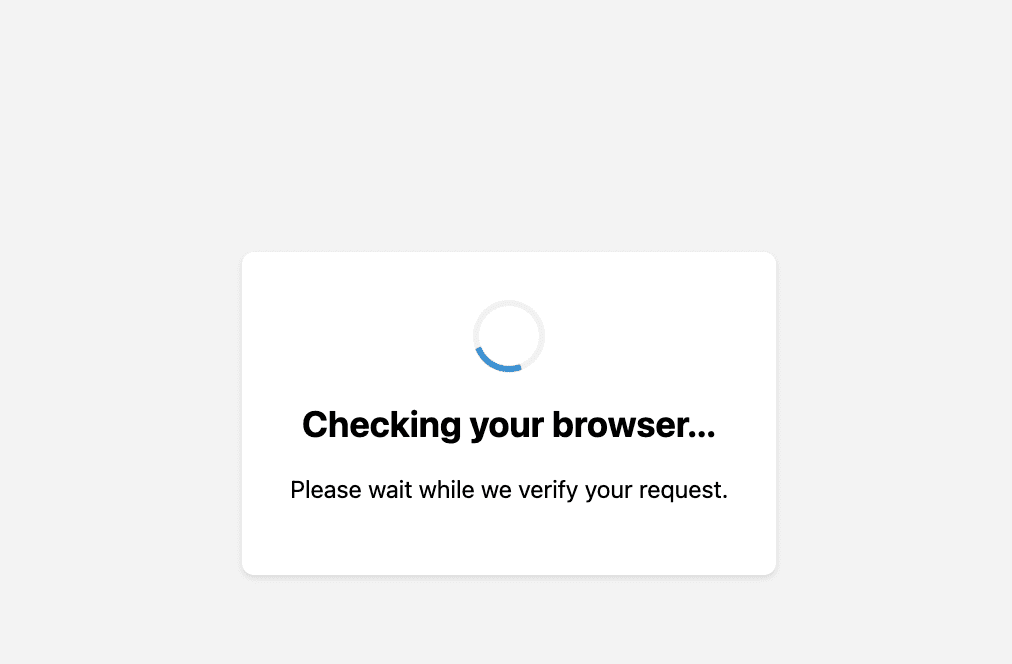
Once you pass this test, the server assigns you a Session Cookie. This cookie acts as your "Access Pass." It tells the website, "This user has passed the challenge," so you don’t have to re-run the JavaScript test on every single page load.
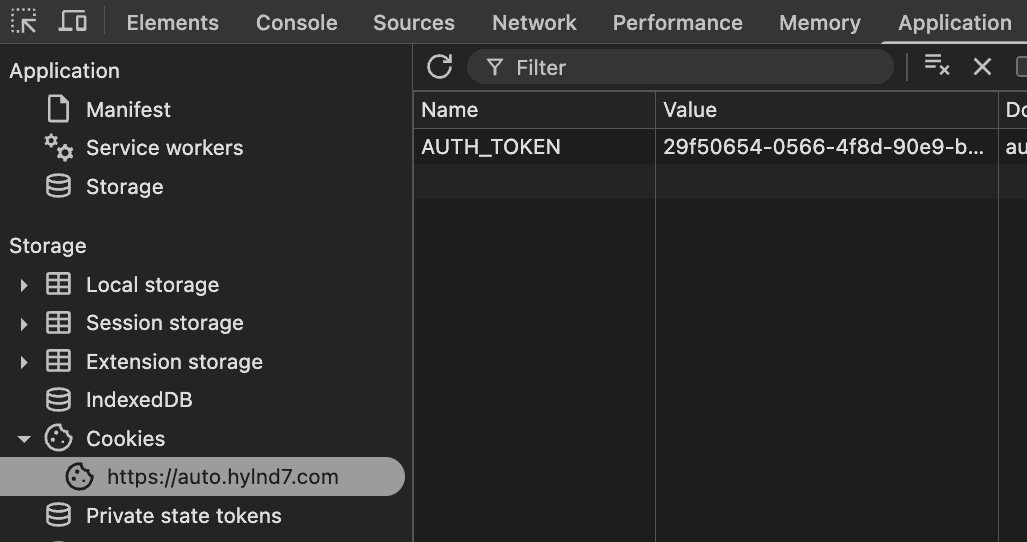
For web scrapers, this mechanism creates a massive inefficiency.
It looks like you are forced to use a Headless Browser (like Puppeteer or Playwright) for every single request just to handle that initial check. But browsers are heavy. They are slow. They consume massive amounts of RAM and bandwidth.
Running a browser for thousands of requests can quickly become an infrastructure nightmare. You end up paying for CPU cycles just to render a page when all you wanted was the JSON payload.
The Solution: Hybrid Scraping
The answer to this problem is a technique I’ve started calling Hybrid Scraping.
This involves using the browser only to open the initial request, grab the cookie, and create a session. Once you have them, you extract that session data and hand it over to a standard, lightweight HTTP client.
This architecture gives you the Access of a browser with the Speed and Efficiency of a script. I've covered this briefly here in regards to scraping data from APIs.
Implementing this in Python
To build this in Python, we need two specific runners for our relay race:
The Browser: We will use ZenDriver, a modern wrapper for Headless Chrome that handles the "undetected" configuration for us.
The HTTP Client: We will use rnet, a Rust-based HTTP client for Python.
Why rnet? Because standard Python requests cannot spoof the TLS fingerprint (as we learned in our article here), but rnet can. Another good option is curl-cffi
Here is how we assemble the pipeline.
Step 1: Load the Page (The Handshake)
First, we define our browser logic. Notice that we are not trying to parse HTML here. Our only goal is to visit the site, pass the initial JavaScript challenge, and extract the session cookies.
We launch the browser, visit the site, and wait just one second for the JS challenge to run. Once we have the cookies, we call browser.stop(). This is the most important line: we do not want a browser instance wasting resources when we don’t need it.
Step 2: Use the Cookies
Now that we have the "Access Pass," we can switch to our lightweight HTTP client. We take those cookies and inject them into the RNet client headers.
We convert the browser's cookie format into a standard header string. Note the Emulation.Chrome142 parameter. We are layering two techniques here: Hybrid Scraping (Using real cookies) + TLS Fingerprinting (Using a modern HTTP client). This double-layer approach covers all our bases.
(Note: Many HTTP clients have a cookie jar that you could also use; for this example, sending the header directly worked perfectly).
Step 3: Run the Code
Finally, we tie it together. For this demo, we use a simple argparse flag to show the difference with and without the cookie.
Get the Complete Script
Want to run this yourself? We’ve put the full, copy-pasteable script (including the argument parsers and imports) in the block below.
Pros and Cons of Hybrid Scraping
Final Thoughts
For smaller jobs, it might be easier to just use the browser; the benefits won’t necessarily outweigh the extra complexity required.
But for production pipelines, this approach is the standard. It treats the browser as a luxury resource: used only when strictly necessary to unlock the door, so the HTTP client can do the real work. It’s this session and state management that allows you to scrape harder-to-access sites effectively and efficiently.
If building this orchestration layer yourself feels like too much overhead, this is exactly what the Zyte API handles internally. We manage the browser/HTTP switching logic automatically, so you just make a single request and get the data.
FAQs
More learn articles
Keep learning
 Use case
What is a residential proxy?
Learn what residential proxies are, how they compare to datacenter proxies, and why modern web scraping needs more than IP diversity.
10 min read
 Use case
How much do rotating proxies cost?
Learn how much rotating proxies cost, what affects pricing, and why total web scraping costs often go beyond proxy subscriptions.
10 min read
Use caseHow do rotating proxies work?
Learn how rotating proxies work, when to use them for web scraping, and why IP rotation alone is not enough for reliable data access.
10 min read