.png&w=3840&q=75)
Some web tasks only make sense once you interact with the page. A comparison table appears after selecting products. Availability stays hidden until you click a button. A search result changes the controls available for the next step.
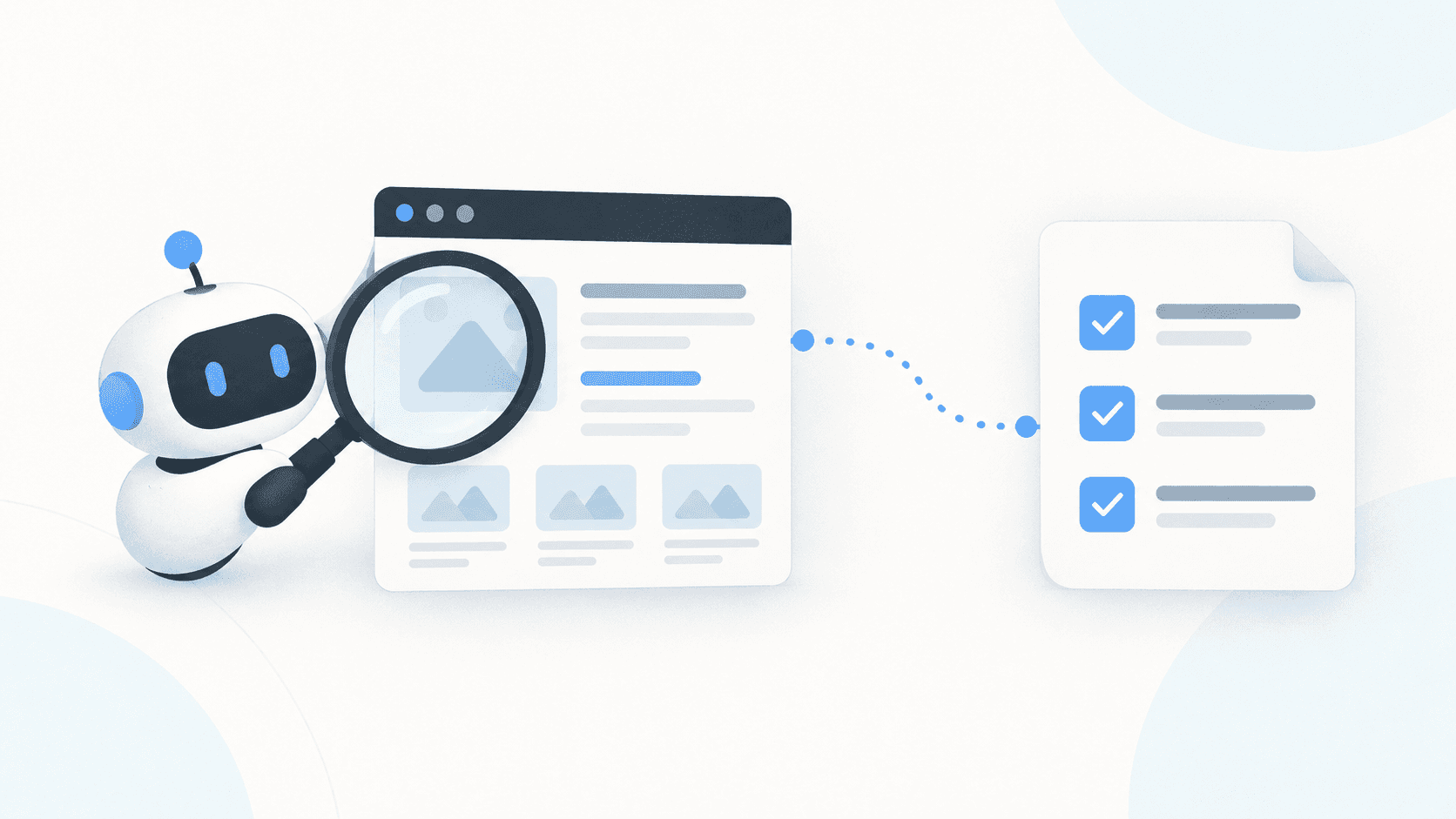
In this tutorial, you will give a coding agent access to a remote browser and ask it to complete that sequence: search a product catalogue, compare three results, and check their availability. The agent uses Playwright CLI to inspect and interact with the page; Zyte hosts the browser.
You describe the task. The agent works out the page interactions and checks the result. You still need to verify its output, but you don't have to begin by writing a custom selector script for each step.
What you will build
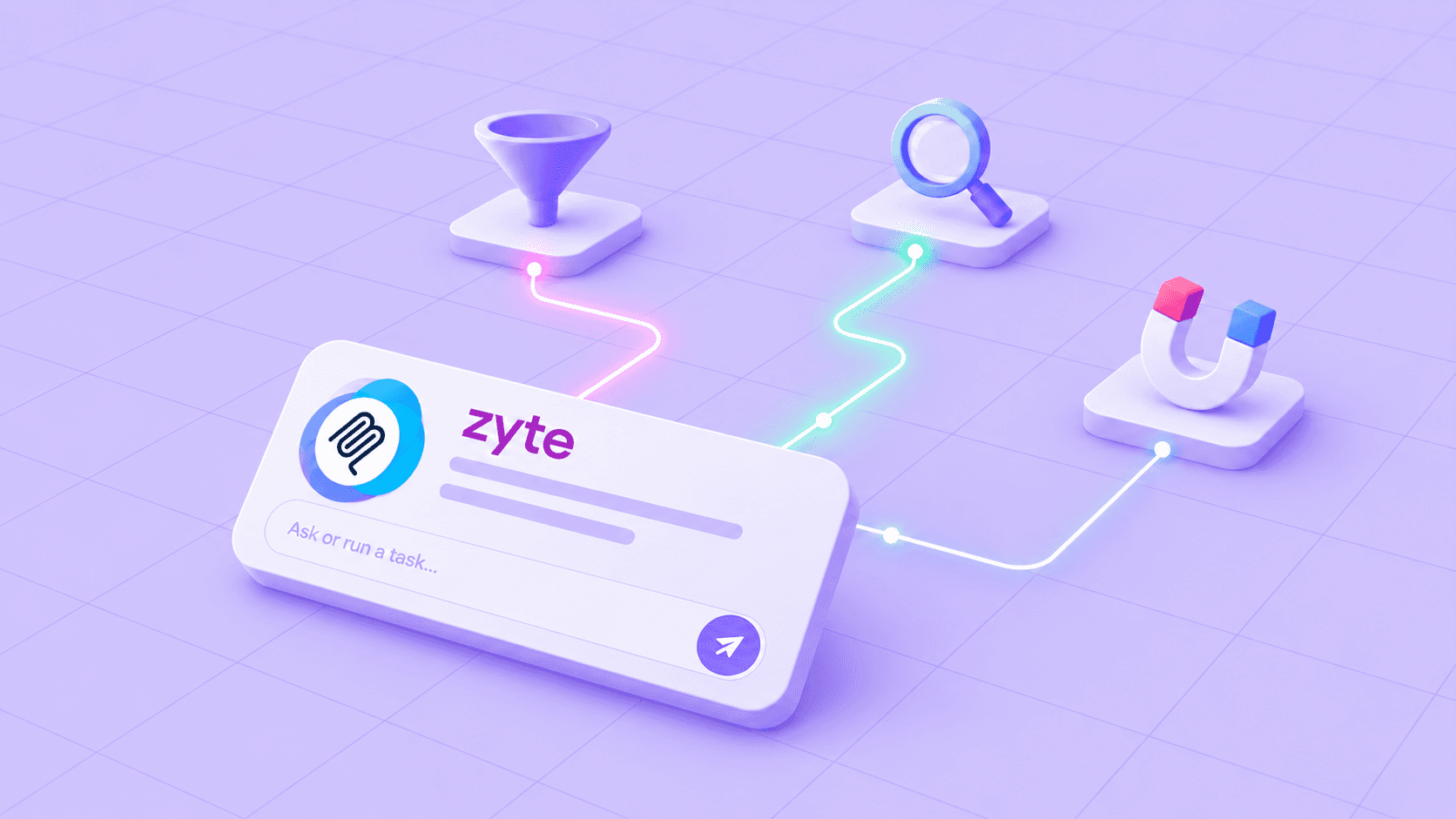
The project connects three pieces:
1Your coding agent
2    → Playwright CLI: inspect, navigate, click, read
3    → Zyte CDP: remote browser session
4 → Product catalogue: search, compare, check availabilityThe Zyte CDP examples repository contains the agent instruction file used for this approach, as well as other related examples. Cloning this repo is not necessary for this example, however is a useful reference.
The catalogue is deliberately interactive: it includes a search box, product selection controls, a comparison table, and an availability button on product pages. It is a demonstration of an interaction pattern, not a benchmark of access across different websites.
Demo catalogue: https://auto.hylnd7.com. Use that address wherever DEMO_URL appears below.
At the end, you should have a report containing the selected product names, page URLs, comparison fields, and the availability shown on each product page. Missing information should remain missing rather than be guessed.
Before you start
You need:
- A coding agent that can read project files and run terminal commands. The original project used OpenCode but Claude Code, Codex and Pi would all work; this walkthrough does not depend on a particular model.
- The agent's own model access and credentials.
- Node.js and npm, plus Git to download the project.
- A Zyte API account with CDP access enabled: a subscription or a pay-as-you-go plan with a spending limit, and completed business verification. CDP is not available on free trials. Check the current access requirements before starting.
The commands below use Bash on macOS or Linux. Your coding agent and CLI run locally; the browser runs remotely.
1. Open your coding agent and setup
Set your ZYTE_API_KEY through your environment or secret manager before launching the coding agent. For a temporary Bash session, you can enter it without displaying it or putting the value into shell history (do this in your working dir):
1read -r -s -p 'Zyte API key: ' ZYTE_API_KEY
2printf '\n'
3export ZYTE_API_KEYLaunch the agent from that terminal so it inherits the variable. Do not paste the key into the agent conversation or the instruction file.
2. Give the agent the connection instructions
Open your coding agent and give it this instruction:
1I want to use Zyte's CDP Browser, read and follow these instructions: https://github.com/zytelabs/zyte-cdp-examples/blob/main/agent-onboard.mdThe Markdown file is guidance for the agent, not an executable installer. It explains the connection, authentication, browser commands, and cleanup. You can read and run the same commands yourself if you need to diagnose a problem.
The authentication configuration it creates has this structure:
1{
2  "browser": {
3    "cdpHeaders": {
4      "Authorization": "Basic <base64-encoded API_KEY:>"
5    }
6  }
7}The agent must construct the value from the environment variable; the text above is only a placeholder. The colon after the API key is part of the encoded value. This header authenticates the CDP connection, not requests to the catalogue.
It then attaches with:
1playwright-cli attach \
2  --session=zyte \
3  --cdp='https://browser.zyte.com/?ttl=300' \
4 --config=CONFIG_PATHHere, CONFIG_PATH is the private file the agent created. Treat any discovered browser WebSocket URL as sensitive and keep it out of shared logs.
The five-minute lifetime begins at connection time. If you are reading slowly between tasks, prepare the prompts first or choose a longer lifetime before connecting. Activity does not reset the timer. See the repository's agent instructions for the complete connection procedure.
3. Search the catalogue
Give the agent your first task:
1Open DEMO_URL. Inspect the page and search for "brake" using the site's
2search interface.
3
4Return the product names and URLs from the results, in the order shown.
5Use only information you can observe. Keep this browser session open
6for the comparison task.The agent should inspect the page, identify the search control, enter the term, and read the resulting product list.
Underneath, this involves operations such as goto, snapshot, and fill. Element references come from the current snapshot; they are not fixed identifiers to copy between pages.
Check the result: the report should match the visible search results. If the agent cannot find a control, it should inspect the current page again rather than invent a selector or product.
4. Compare the first three products
Continue in the same session:
1Select the first three products from those search results and use the
2website's compare feature.
3
4Read the comparison table that appears. Return its field names and the
5values for each product. Preserve units and mark unavailable fields as
6"not shown". Do not substitute information from another source.This is the part a simple page fetch may not provide: the comparison table depends on actions performed in the current page state.
Check the result: verify that exactly the intended products were selected, and that the returned fields came from the resulting comparison table. Ask for a screenshot if you need to inspect it yourself.
For this demonstration, browser interaction is the chosen route. In another project, a documented API or underlying data endpoint may be simpler and more efficient.
5. Check availability and save the report
Finally, ask:
1Visit each of the three selected product pages. Use its "check
2availability" control and wait for the result.
3
4Create product-report.md containing the product name, page URL,
5comparison fields, and availability text for each product. Record
6when you checked it. If a result cannot be retrieved, explain the
7failure instead of guessing.
8
9Save the report before closing the remote browser and local session
10as instructed. Remove temporary authentication files.The result should connect each availability response to the correct product. A successful run means the agent completed and verified the interactions, not merely that it returned a plausible-looking table.
6. Verify cleanup
The instruction file includes this explicit remote-browser shutdown:
1playwright-cli -s=zyte run-code 'async page => {
2  const cdp = await page.context().newCDPSession(page);
3  await cdp.send("Browser.close");
4}'
5
6playwright-cli -s=zyte closeSave results first. If the browser has already expired, clean up the local session without opening a new browser just to close it.
Ending the remote browser and disconnecting the client are different operations. Do not assume disconnection stops charges: the current documentation describes session reservation through the selected TTL. Keep the lifetime appropriate to the task and consult the session and billing details.
Troubleshooting
| Symptom | What to check |
|---|---|
Connection returns 401 |
API key, Basic authentication encoding, and the required trailing colon. |
Connection returns 403 |
Account eligibility and completed business verification. A free-trial account cannot use CDP. |
| Agent launches a local browser | Ask it to follow agent-onboard.md and use attach, not a local-browser launch command. |
| Session expires between tasks | Preserve local results, attach again, and rebuild the necessary page state. A new session does not restore the old one. Your agent will likely do this for you as long as you keep the same context. |
| Click targets the wrong element | Take a fresh snapshot after navigation or a substantial page change. |
| Availability is absent | Confirm the button was clicked and the response appeared. Report an unresolved result rather than infer stock status. |
For service-specific errors, use the CDP error reference.
When this approach fits
Use this pattern when your agent needs to inspect a page, choose an action, and respond to what happens next. The product comparison is one example; the important feature is that later steps depend on earlier interactions.
For a predictable, repeated task, a maintained Playwright script can offer more control over execution. For a task that only needs rendered HTML, a Zyte API browser request may be simpler.
A remote browser removes local browser hosting from the agent's environment. It does not guarantee successful access to every site, correct agent decisions, or unlimited sessions. CDP and Zyte's browser-request mode also differ in their automatic ban-avoidance behaviour; choose based on the workflow rather than treating them as interchangeable.
Start with the project's agent instruction file, run the three catalogue tasks, and inspect the saved report. Once that works, adapt the same pattern to a website and task you actually need to automate.