Adapt your web scraping to increasing website complexity
Modern websites, which are becoming more JavaScript-heavy, rely extensively on dynamic content and external data sources like APIs to source/update their content. They also feature progressively stronger anti-bot measures.
While developers using web scraping frameworks like Scrapy typically avoid rendering HTML or taking screenshots to minimize costs and processing time, complex websites often require additional steps.
When extracting data from rendered HTML and taking screenshots, a headless browser becomes necessary. It is not always ideal due to cost or technical complexity, but intercepting the website’s network exchange patterns can be particularly useful for optimizing your scraping scripts.
This intercepting approach allows bypassing these challenges to access essential data better.
Inspect website network requests
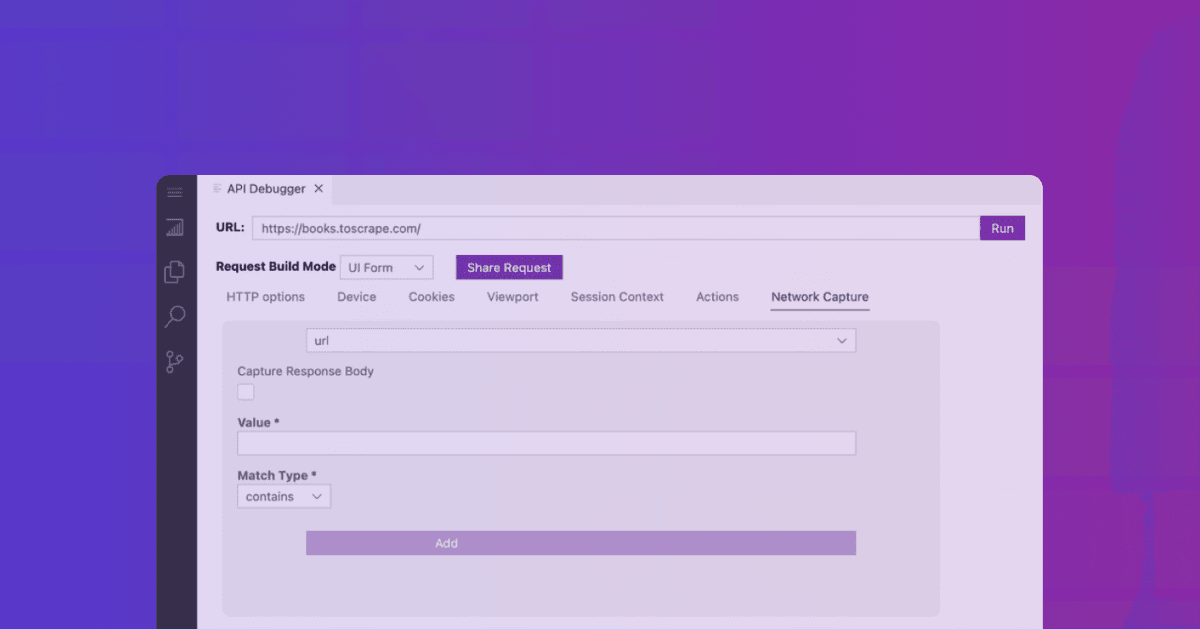
The good news is that all requests made through the Zyte API using a browser (BrowserHTML=True) have now access to network capture options.
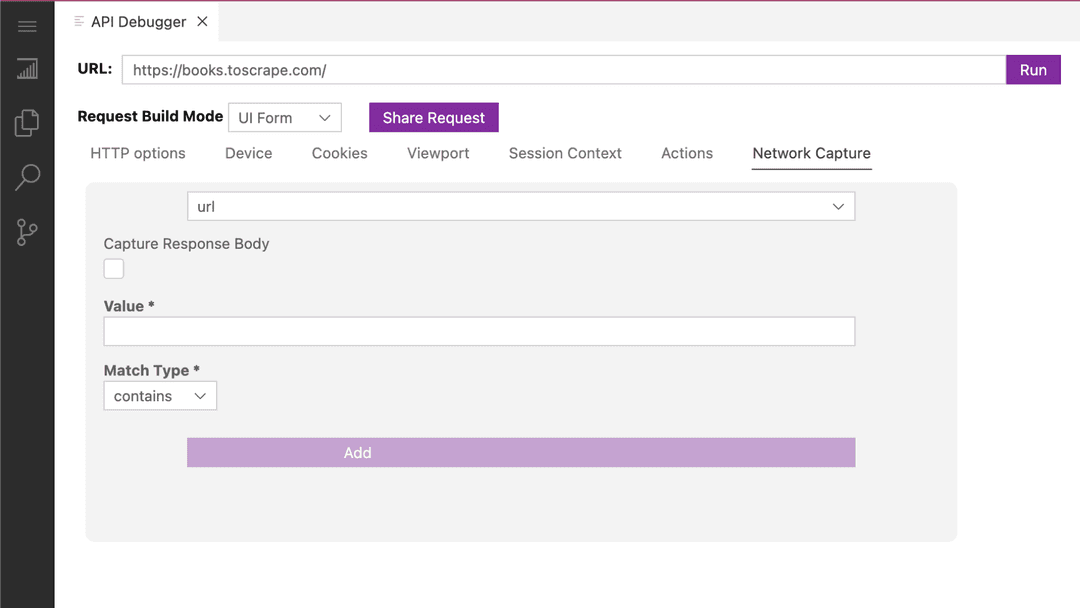
This new functionality allows developers to analyze the network patterns of scraped websites. They can use this information to enhance ban-handling strategies or dynamically replicate those patterns in a preferred programming language, transitioning from browser-full to browser-less requests.
In addition to navigating the website’s network data with a more advanced filtering system, the Zyte API enables programming browser actions in conjunction with the network intercept tool, facilitating advanced configurations and automation.
Recreate web requests based on captured traffic in your spiders
With network capture, developers can easily reverse engineer how a website makes requests and replicate them in their spiders — scraping directly from the source and saving time and money!
Paweł Miech, Developer at Zyte, demonstrates this process in a hands-on workshop which is available to watch on demand.
Ready to uncover the website’s hidden patterns?
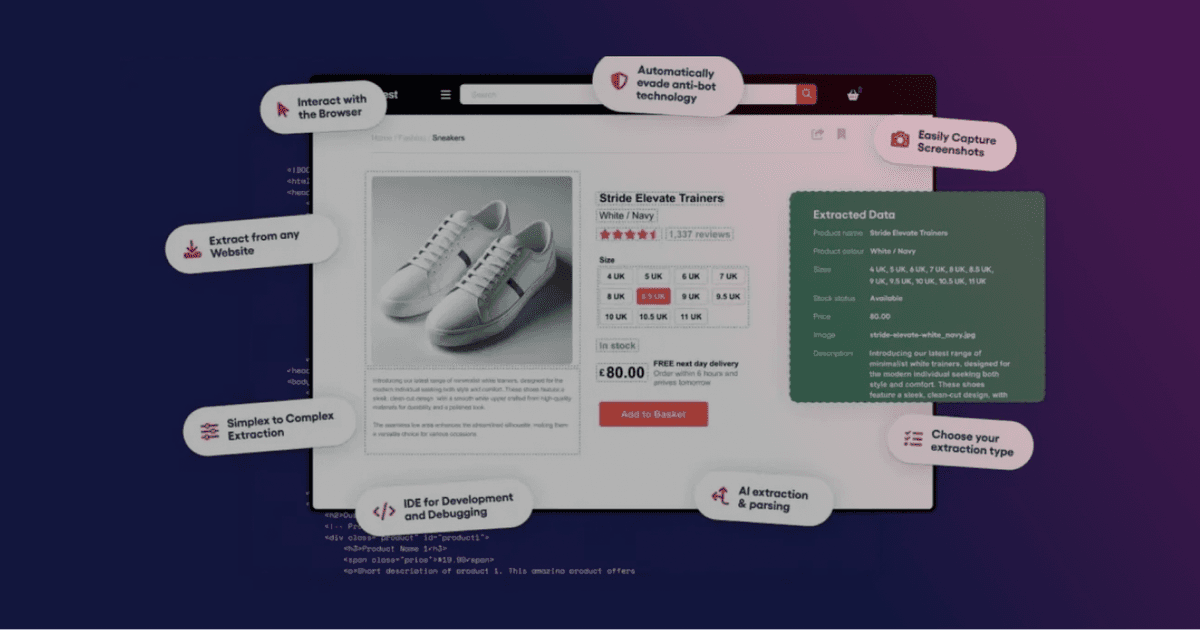
If you already use the Zyte API to scrape websites, you can enable rendering to automatically access the new network intercept options in the API debugger within the IDE.
You can explore all available filtering options in the documentation and learn from this tutorial.
If you are not a Zyte API customer, simply sign up and create a new account for a free trial. Then, select a website to start scraping, enable rendering, and navigate to the IDE, where you can access the network tab.
Happy scraping!