Are they the best tools for web scraping at scale?
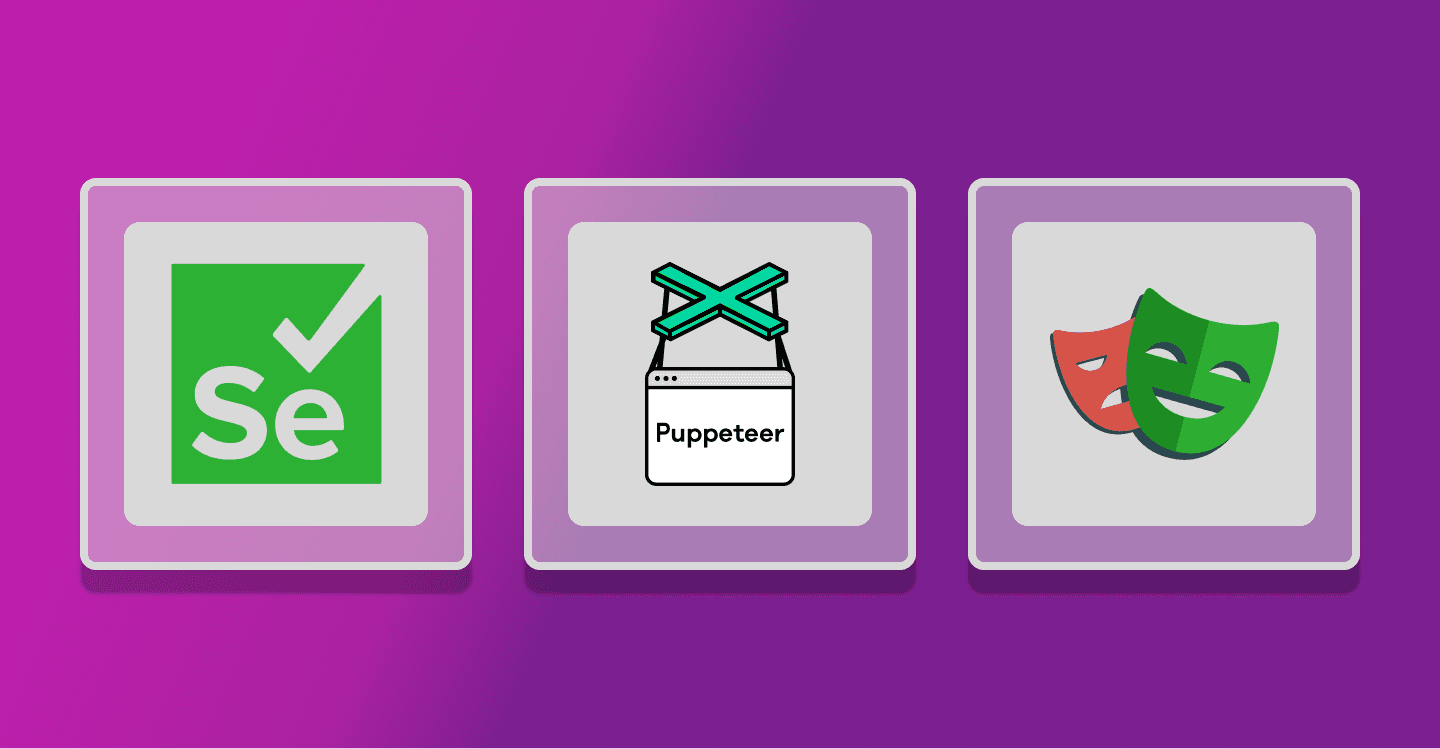
If you’ve been in the web scraping game for a while, you’ve probably heard of Selenium, Puppeteer, and Playwright. These tools are incredibly popular for browser automation, but the question is: are they the best options for web scraping, especially when it comes to scaling?
Let’s dig into the details and see what each of these tools offers, along with some of the challenges you might face using them for scraping.
The reality of using browser automation for scraping
Before we dive into the specifics of each tool, let’s get one thing straight: Selenium, Puppeteer, and Playwright weren’t built for scraping. They’re designed for browser automation, so while they can scrape data, they often struggle when you start scaling up or need to maintain long-term scraping projects.
Why? Well, here are a few reasons:
Scaling gets messy: The more data you want to scrape, the more browser instances you need to run, and that eats up a lot of memory and processing power. If you’re scraping hundreds or thousands of pages, this can get expensive really quickly.
Ban detection: Modern websites don’t want to be scraped. They’ve got anti-bot systems in place, and unfortunately, these browser automation tools aren’t the best at dodging bans. You’ll likely need to stack on extra tools like proxies and CAPTCHA solvers.
Maintenance is a headache: As websites change their structure or add new protections, your scraping scripts need to adapt. This means you’ll be spending a lot of time updating and fixing things, which adds to your workload.
Let’s break it down: Selenium, Puppeteer, and Playwright
Each tool has its strengths, but they also come with trade-offs. Let’s see how they stack up.
1. Selenium
Selenium has been around the longest and is probably the most well-known of the three. It works with all major browsers and can be used with a variety of programming languages, which is great for flexibility.
But here’s the downside: Selenium isn’t optimized for scraping. It’s really more of a general-purpose automation tool. If you’re running multiple browser instances, it can get slow and resource-heavy pretty quickly.
2. Puppeteer
Puppeteer is Google’s answer to browser automation. It’s built specifically for Chromium-based browsers and is known for being fast and efficient. If you’re just scraping a few sites, Puppeteer can be a great choice since it’s relatively easy to set up and use.
However, it still runs into the same issues as Selenium when you start scaling. You’ll need more infrastructure, and dealing with bans will require adding extra tools to your setup.
3. Playwright
Playwright is the newest tool in the group, developed by Microsoft. It’s got some cool features, like support for multiple browsers (Chromium, Firefox, WebKit) and the ability to handle multiple browser contexts at once, which makes it a bit more powerful.
That said, Playwright still faces the same challenges when it comes to scraping. It’s flexible, but once you start scraping at scale, you’re going to run into the same infrastructure and maintenance headaches.
Why Scaling is the biggest challenge
Here’s the thing: browser automation tools like Selenium, Puppeteer, and Playwright do the job, but they weren’t designed to scrape at scale. Running multiple browsers takes up a lot of resources. As you grow, you’ll need to invest in more servers, manage them, and ensure they don’t crash or burn out under the load.
There’s also the issue of monitoring and maintenance. With these tools, you’ll be spending a lot of time keeping everything running smoothly, especially when websites change or block your scrapers.
Alternatives to browser automation for scraping
So, if scaling is your goal, what are your options?
One route is to use API-based scraping where possible. Many websites offer APIs that allow you to pull structured data directly, without needing to scrape. Of course, not every site offers an API, and sometimes they come with limitations.
Another option is to look into headless scraping tools that combine the power of browser automation with features like proxy management, ban detection, and scaling. These tools are purpose-built for scraping, so they can save you a lot of time and hassle.
The bottom line: Which tool is right for you?
If you’re working on small-scale scraping projects, Puppeteer or Playwright can be great options thanks to their speed and flexibility. But for anything more complex or large-scale, be prepared for some serious investment in infrastructure and maintenance.
Browser automation tools can definitely get the job done, but if you want to scrape at scale, you’ll need to think about how much time, money, and resources you’re willing to put into keeping things running smoothly.


![JSON Parsing with Python [Practical Guide]](/_next/image/?url=https%3A%2F%2Fextract.zyte.com%2Fapi%2Fmedia%2Ffile%2Fjson-parsing-with-python-hero-1-1200x630-qxGk7q0hXsCKlTSSTGo73YeO5qEHaa.png&w=3840&q=75)